




PDF Guides
Download PDFs below:

Video Guides
Brady Express Labels Mobile App Guides:
How to use the blank label design guide
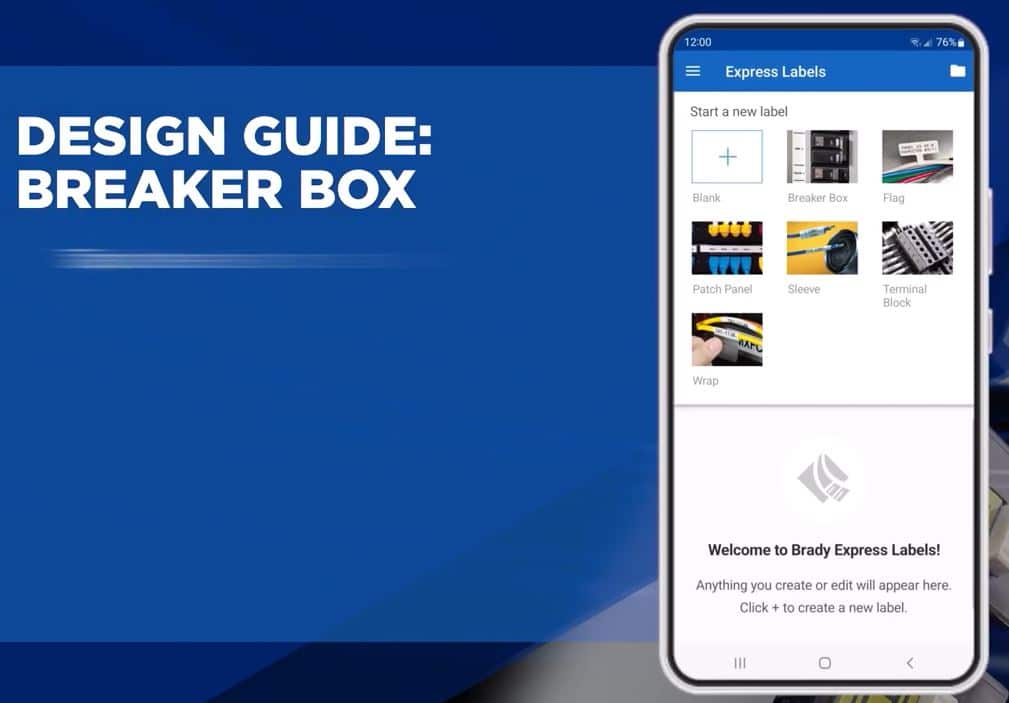
How to use breaker box design guide
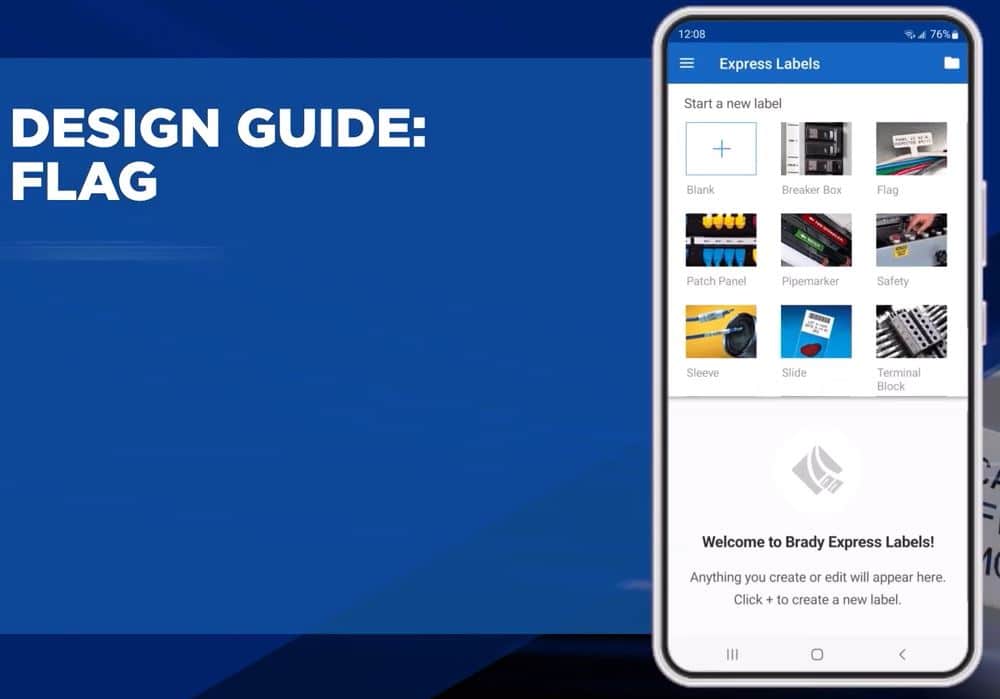
How to use flag design guide
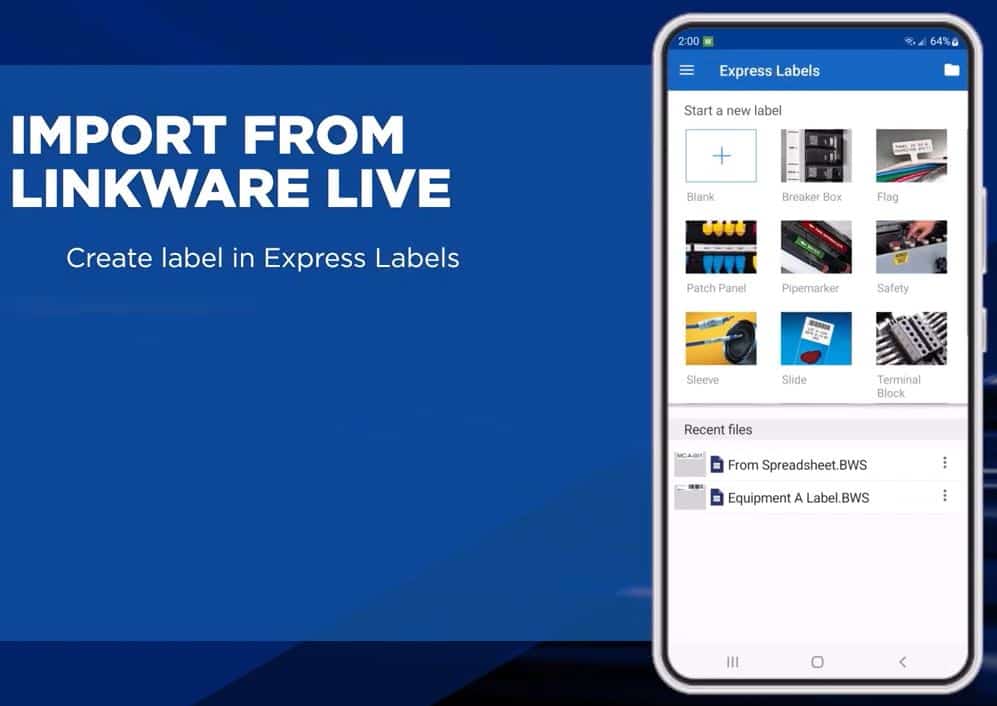
 How to import data from LinkWare Live
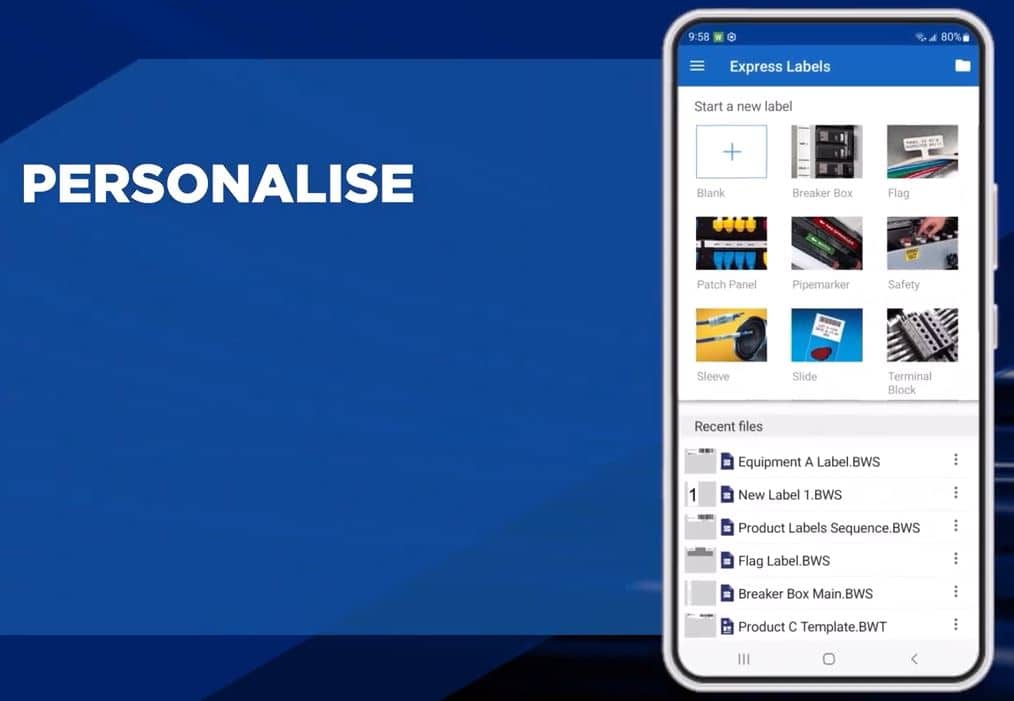
 How to use personalisation settings
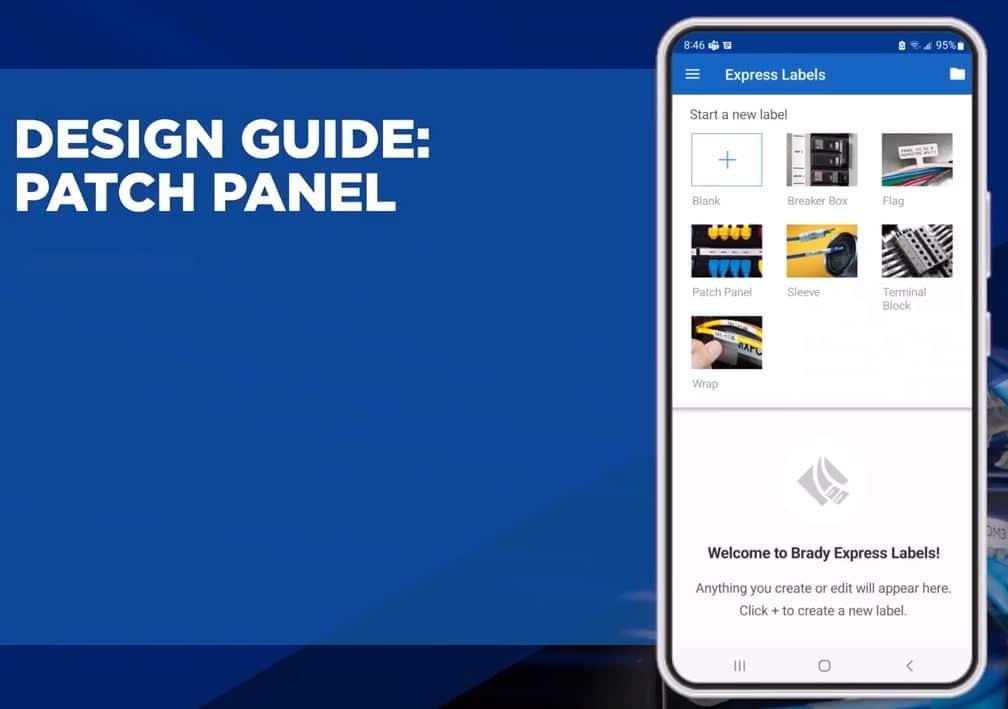
 How to use patch panel design guide
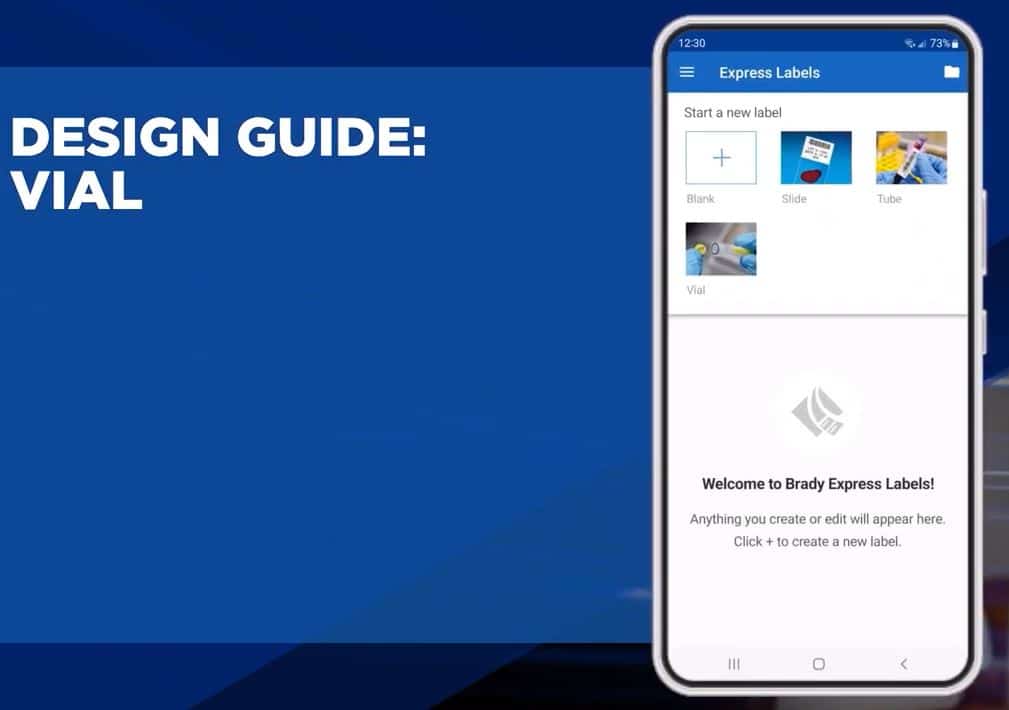
 How to use vial design guide
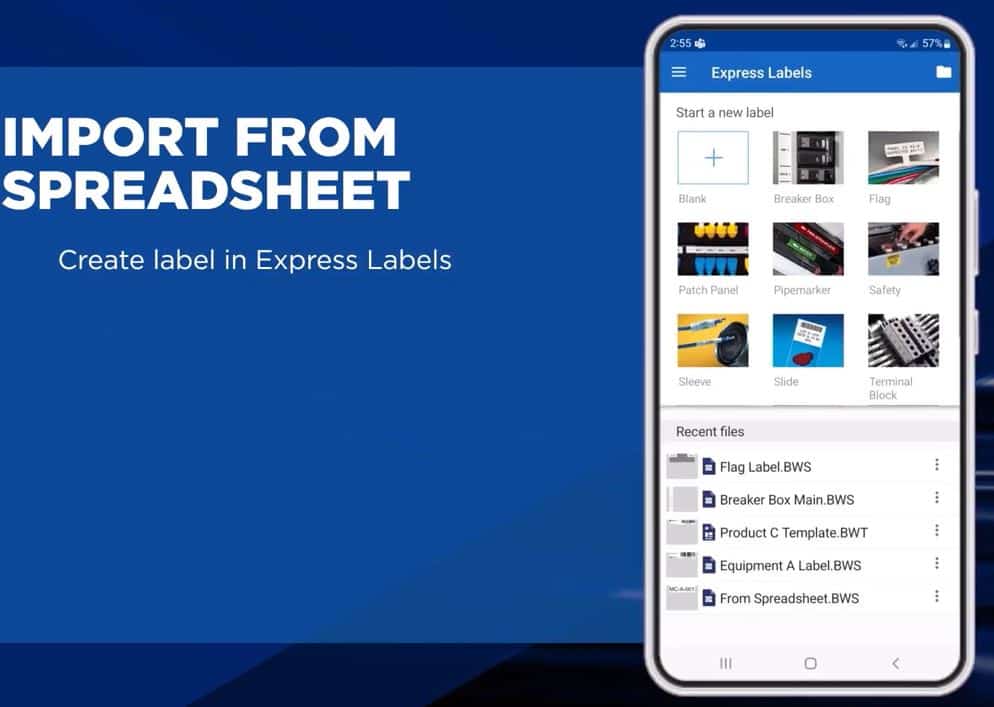
 How to import data from a spreadsheet
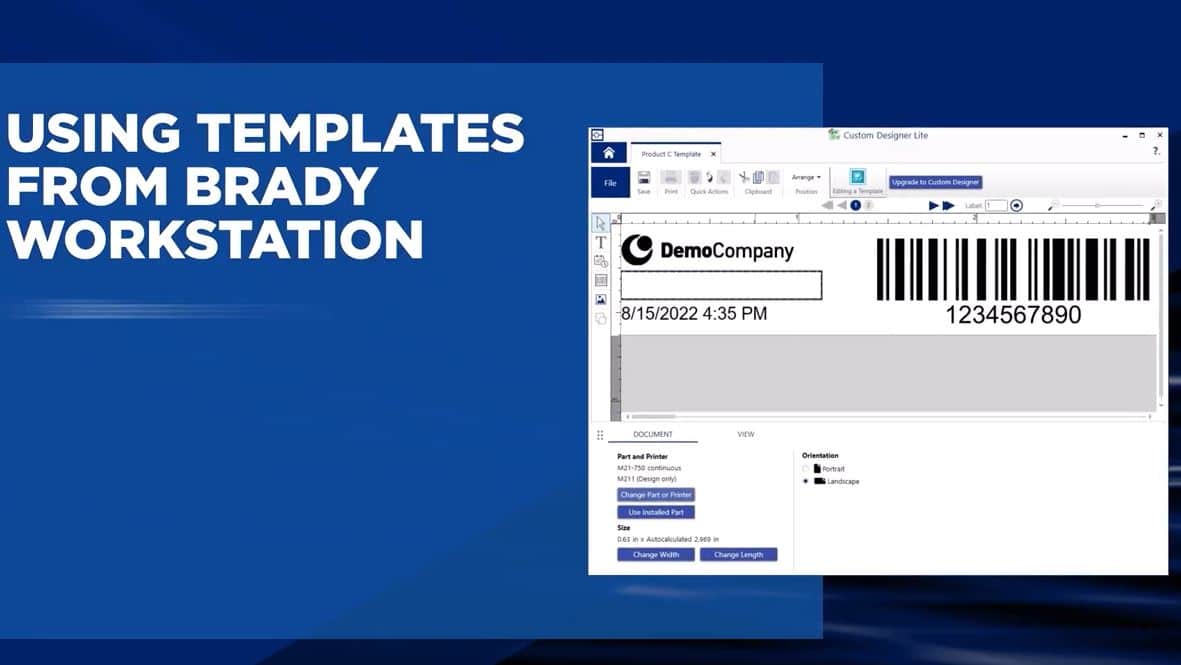
 How to use templates from Brady Workstation
 How to use wrap design guide
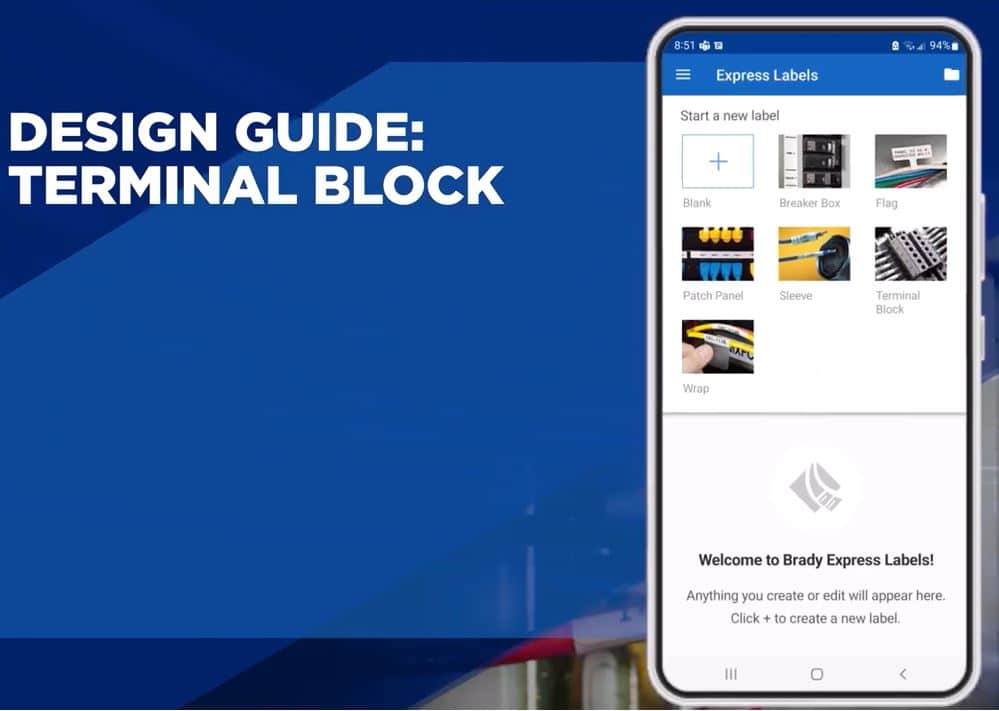
 How to use terminal block design guide
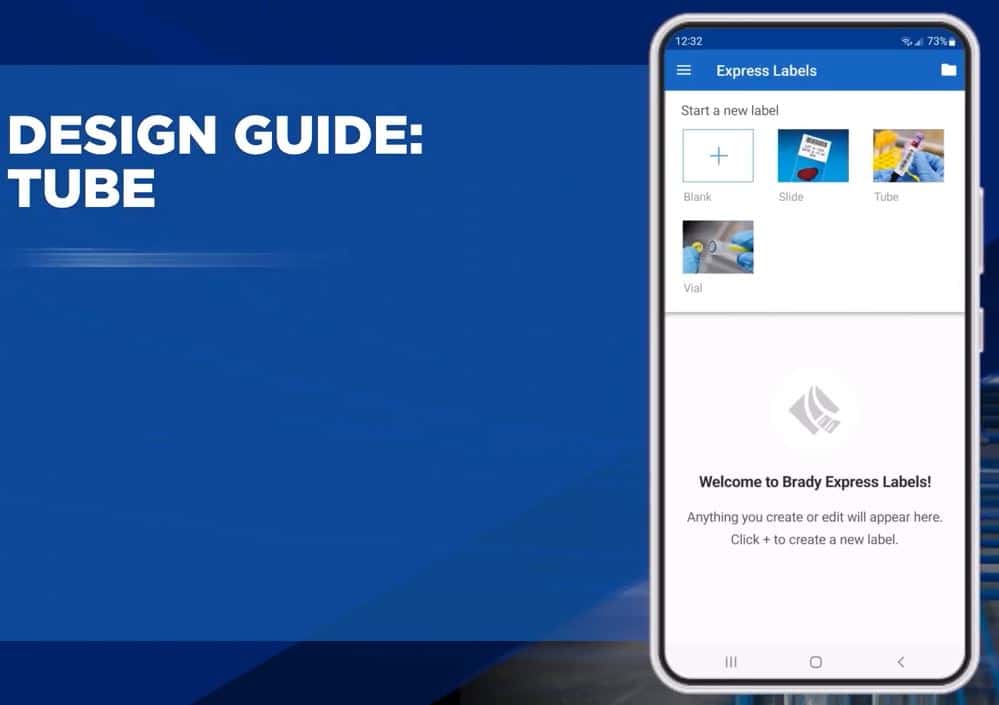
 How to use tube design guide
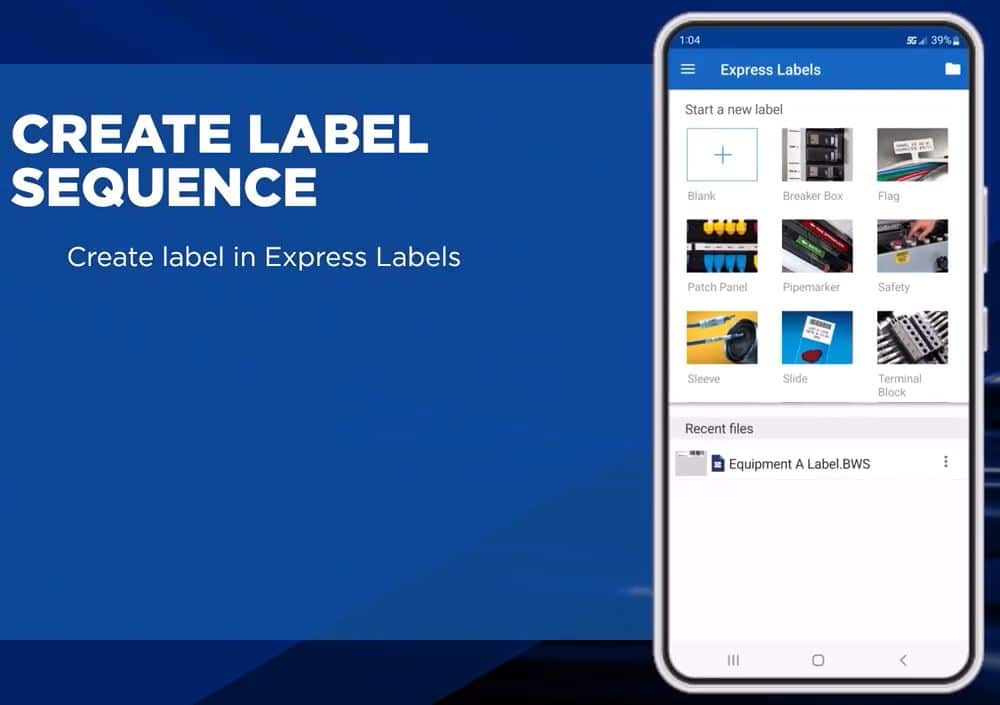
 How to create a label sequence
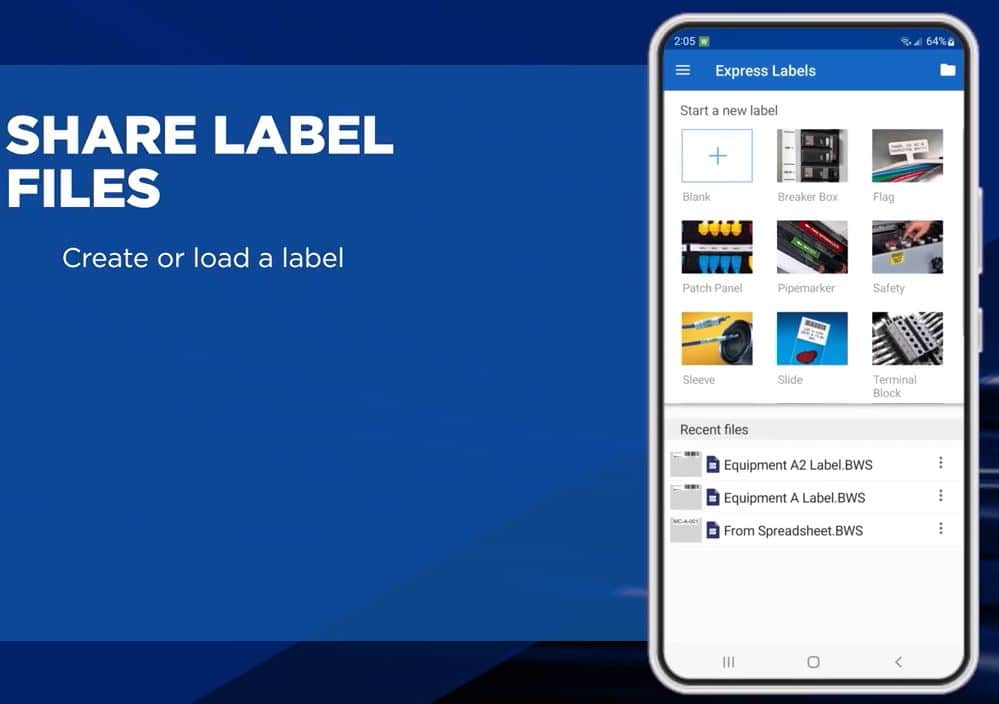
 How to share label files
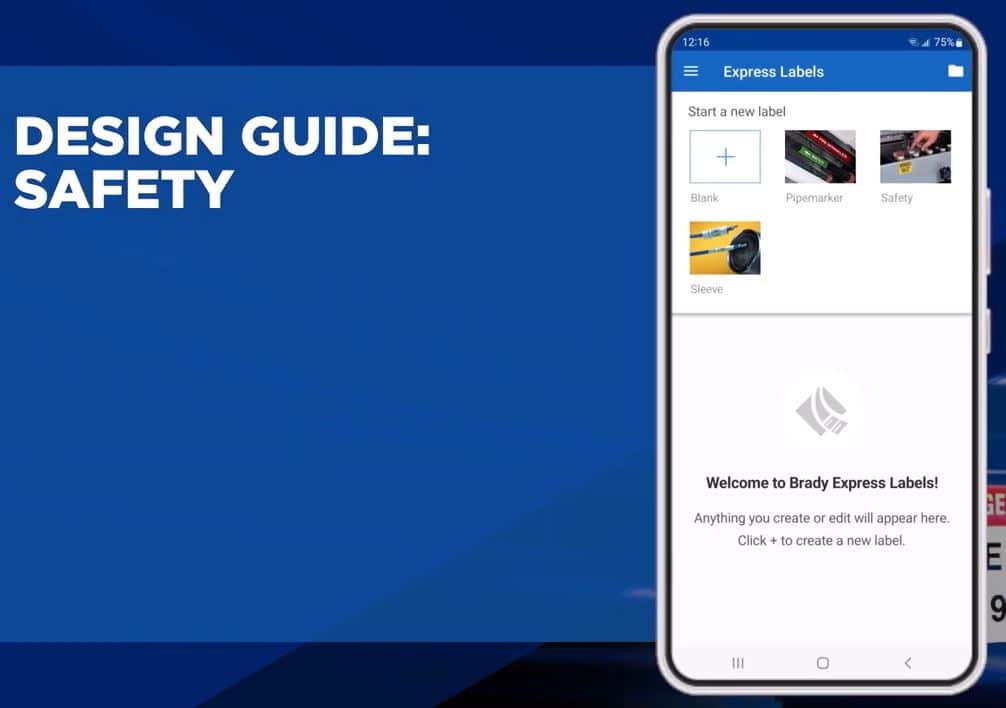
 How to use safety design guide
 How to use pipemarker design guide
 How to use slide design guide
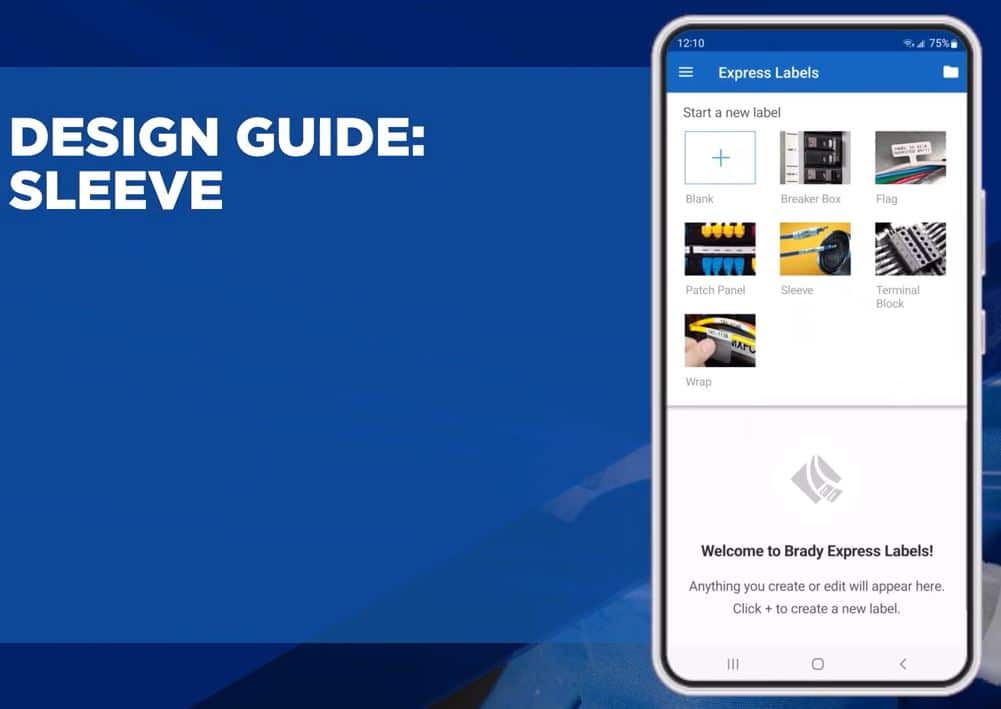
 How to use sleeve design guide
Learn how to clean your label printer:
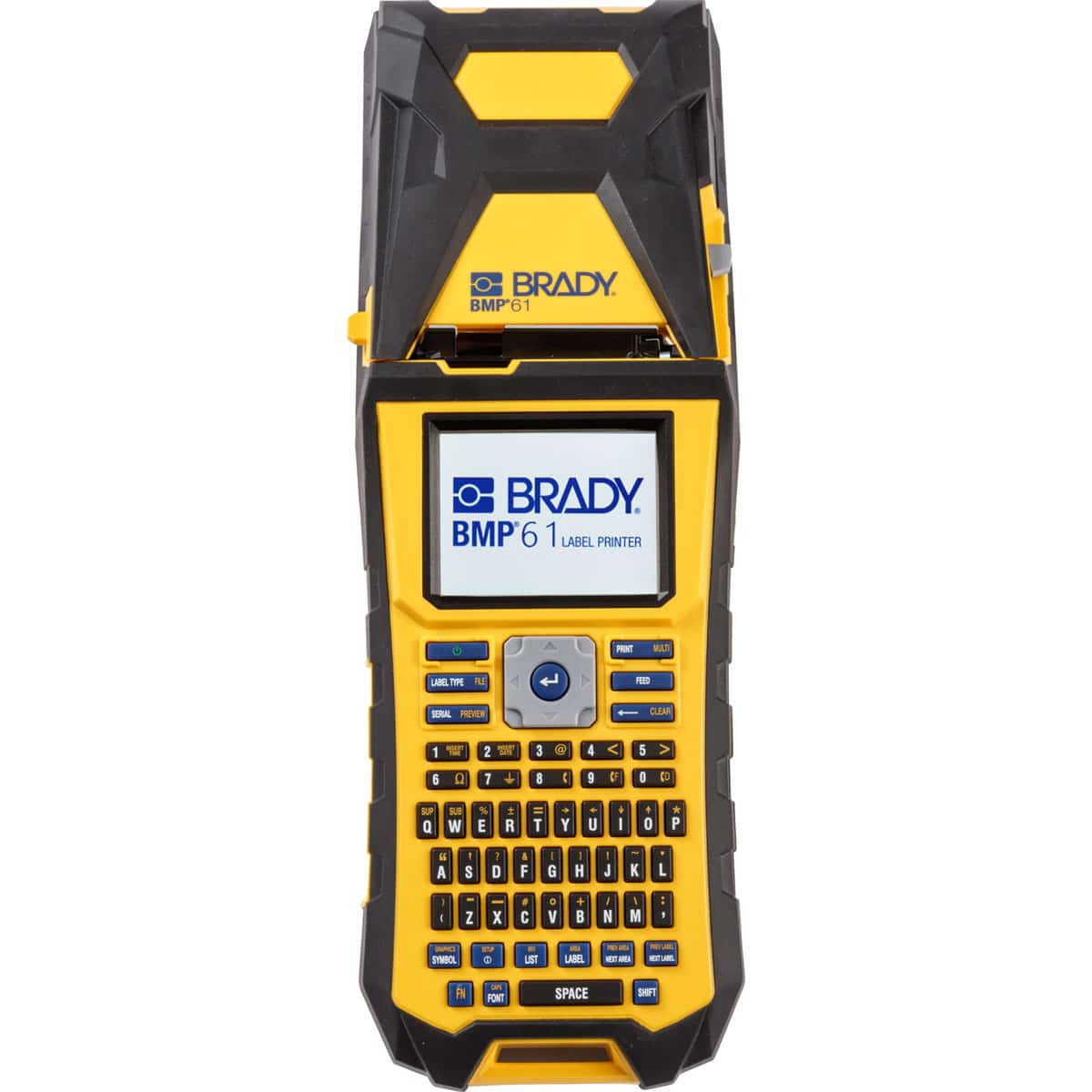
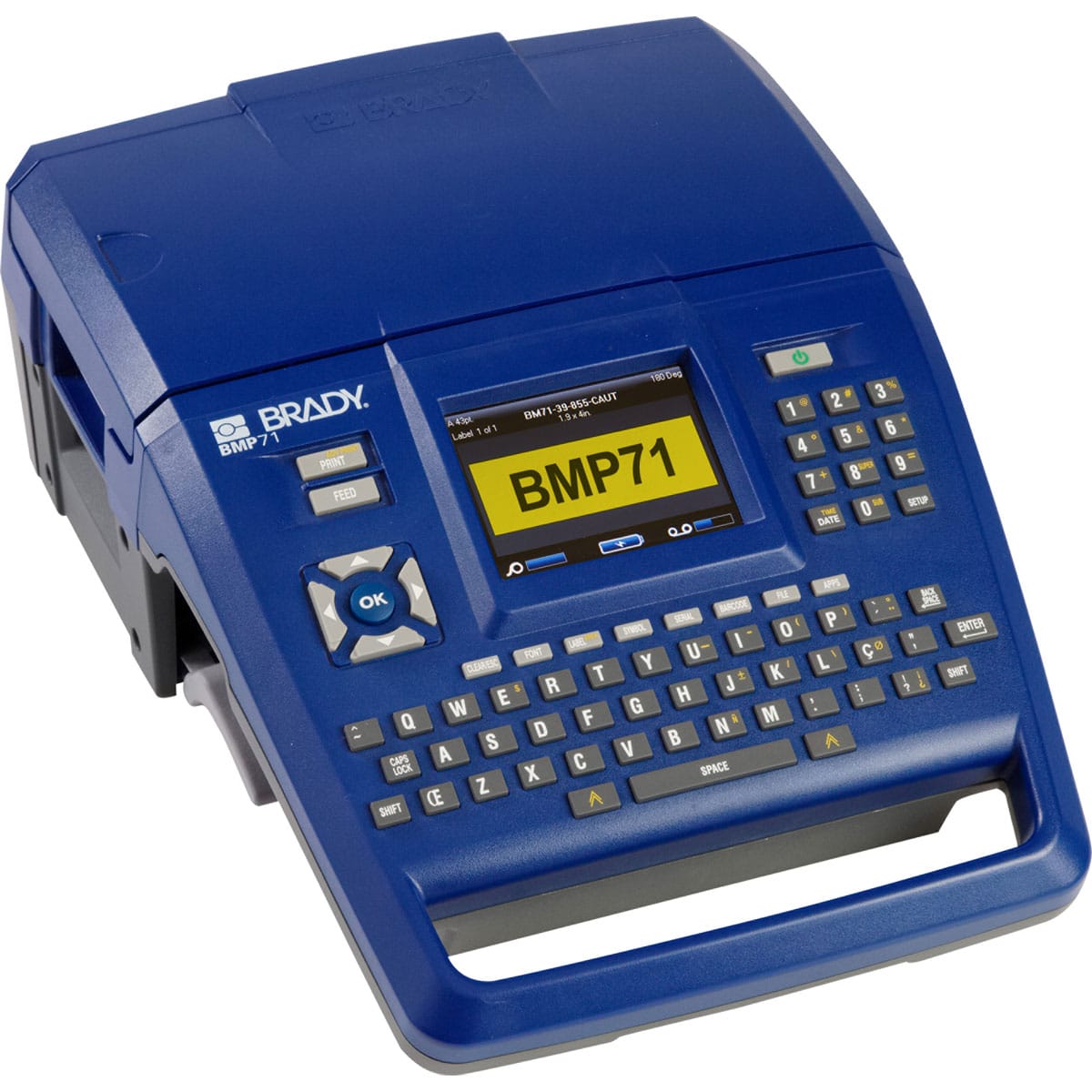
Desktop Printers:
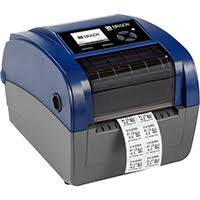
BBP12 Printer
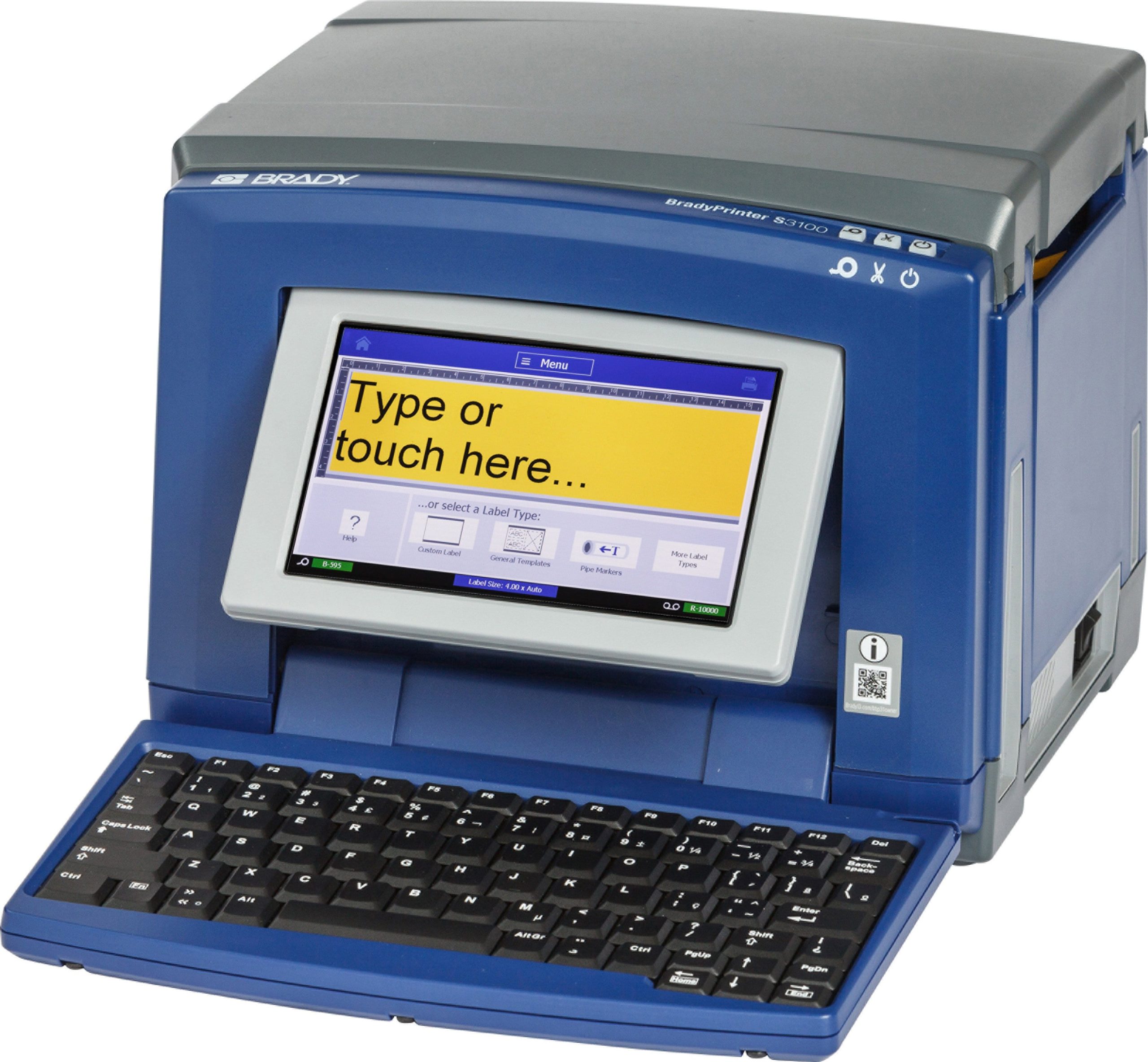 S3100 Printer
B BP35 & BBP37 Printer
i3300 P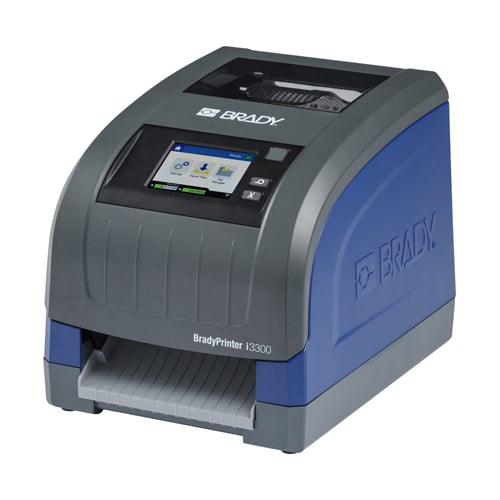 rinter
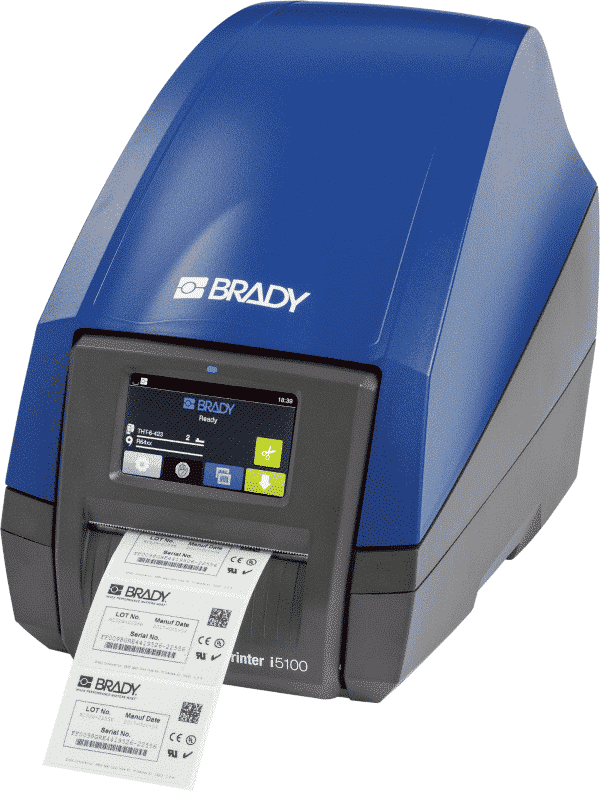
i5100 Printer
i71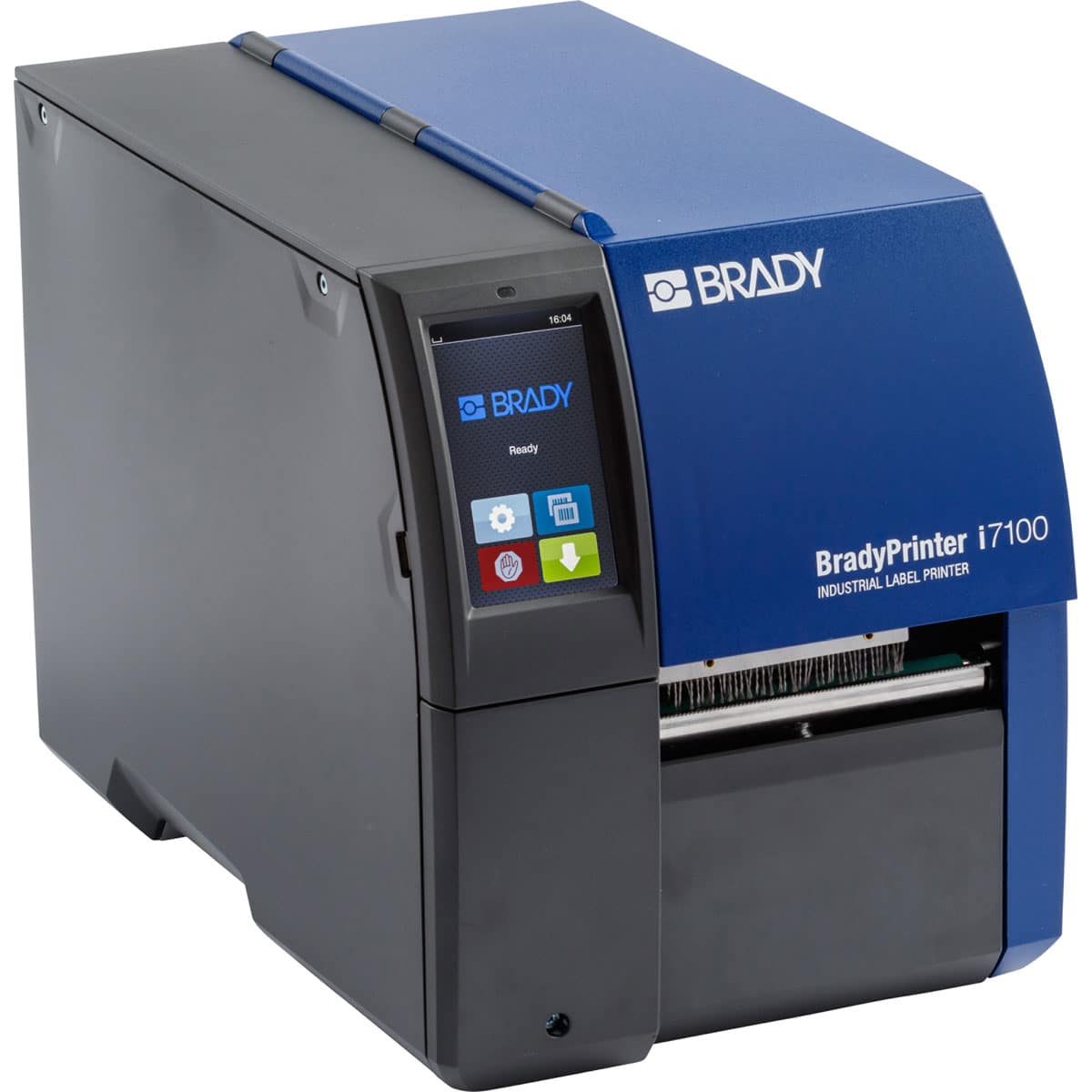 00 Printer
Software
Brady Workstation
Label Creation and Management Software
It’s time to unleash the full potential of your Brady label printer with Workstation software.
Create labels on your PC and send to your label printer. Brady has revolutionised the way you create labels on your PC with the new Brady Workstation and its suites and apps that are specific to the projects you want to execute.
This label printer is built to be super powerful and super simple – just pick the suite and apps you need to get your job done.
Download free app – Design & Print Essentials
Easily create and customise labels and signs with one software suite.
Supports product and wire identification, laboratory, as well as safety and facility applications.
 Design & Print Pro Software
An all-in-one solution with purpose-built design tools to simplify the labelling process
Effortlessly design and print custom safety signs, facility labels and pipe markers to enhance workplace safety.
Simplify labeling, maintain compliance and keep your facility organised.
Create product and wire identification labels with text, graphics, serialisation and data imports
Ensure lab equipment, samples, vials, tubes and slides are clearly labelled
Click the link to be taken to the free trial- BRADY WORKSTATION Software Updates
Technical Data Sheets
Technical Data Sheets for Brady Materials
TDS documents include information on material composition, chemical resistance, regulatory compliance and expected shelf life.
Download PDFs below:
Brady Printer Registration
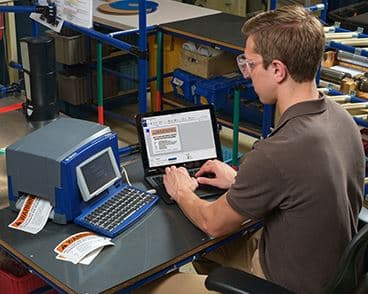
Did you know you should register your Brady Printers?
By registering your printer you will be able to access more features:
- Tech Support
- Latest Firmware
- Updates
- Application Tips and much more
If you would like a hard copy of a catalogue please fill in the below request form or call (03)9720 0700